Phone Verification UX: A Checklist for Smooth User Flows
Discover practical tips to optimize phone verification UX for apps in Vietnam and Southeast Asia. Improve user flows with clear instructions, retries, and fallback methods.
Phone verification is a critical step for many apps, but it often frustrates users. In Vietnam and Southeast Asia, where SMS delivery can be unreliable and OTT apps like Zalo or WhatsApp are widely used, getting verification right is even more challenging.
This checklist helps you design a smooth phone verification flow that minimizes friction and maximizes completion rates. From clear instructions to fallback methods, we cover the essentials for apps in the region.
When to Ask for the Phone Number
Request phone numbers only when verification is essential to your service. Common cases include:
- Account security: To prevent fake signups or account takeovers at registration or login
- Transaction confirmation: For high-value actions like payments or profile changes
- User matching: When connecting people in social or marketplace apps
In Vietnam and Southeast Asia, where phone numbers often serve as primary identifiers, explain why you need it. For example:
- "We’ll call this number to confirm it’s yours" (for call-based verification)
- "This helps secure your account with two-factor authentication"
Offer alternatives when phone verification isn’t strictly required:
- Let users browse product catalogs or read content before prompting signup
- For low-risk actions (e.g., newsletter signups), accept email-only registration
- Support social login for services where phone numbers aren’t core to the experience
For apps in Vietnam, consider local norms. While phone verification is expected for financial services, e-commerce, and social platforms, it may feel intrusive for content apps. Always balance security needs with conversion goals.
Clear Instructions for Verification
Clear, concise instructions are essential for smooth phone verification. Users often abandon the process if they don't understand what to do. Use simple language and avoid technical jargon. For example, instead of 'Initiate a call to the designated hotline,' say 'Tap to call the number shown on your screen.'
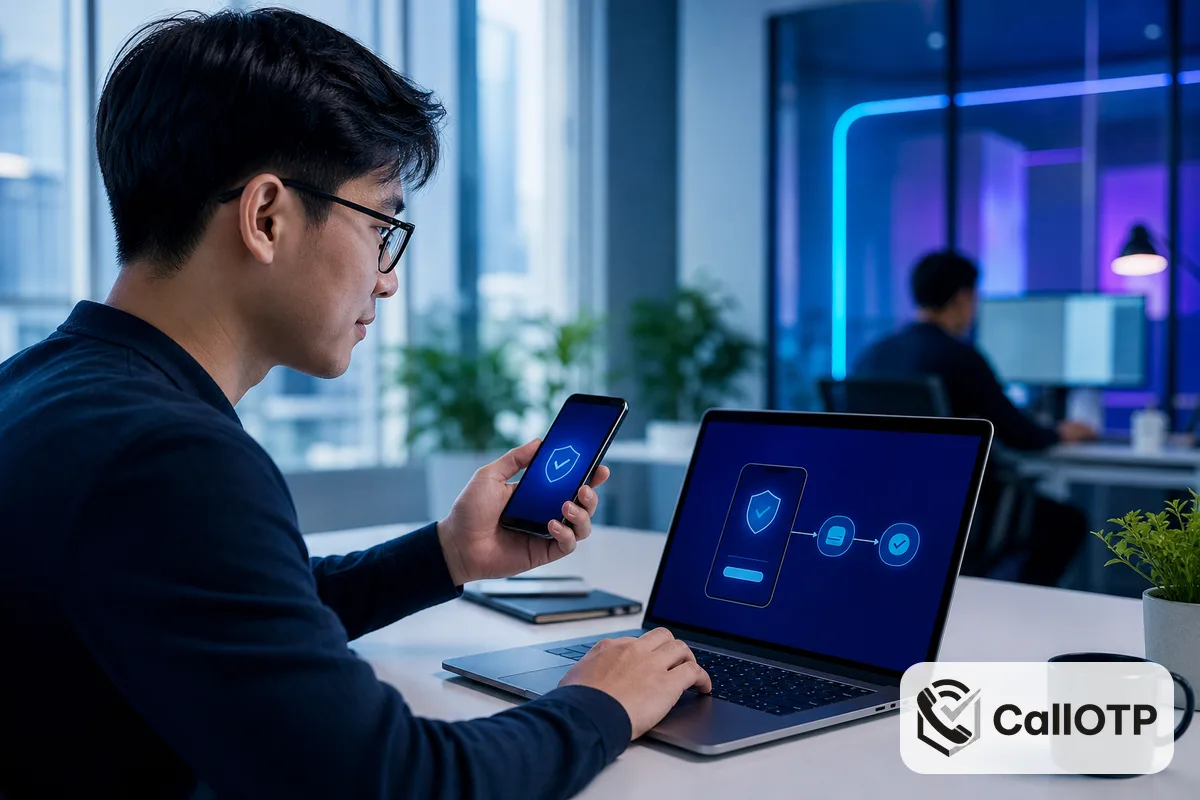
Visual cues can significantly improve understanding. Display the hotline number prominently, with a phone icon or a 'Call Now' button. For apps in Vietnam, consider using Vietnamese text alongside English to ensure clarity. Highlight actionable elements, like buttons, with contrasting colors or animations to draw attention.
Testing with real users is critical. Conduct usability tests with a diverse group to identify pain points. For instance, some users may not realize they need to make the call from the phone being verified. Observe how they interact with the interface and refine instructions based on their feedback.
Keep the steps minimal:
- Show the hotline number and 'Call Now' button.
- Explain that the call will be automatically rejected.
- Confirm verification once the call is made.
By simplifying instructions and using visual aids, you can reduce confusion and improve completion rates for phone verification in Southeast Asia and beyond.
Desktop vs Mobile Considerations
Phone verification works differently on mobile and desktop. Mobile-first optimization is critical in Vietnam and Southeast Asia, where most users access services via smartphones. On mobile, leverage the device's native dialer: display the verification hotline as a tappable link (tel: URI) so users can initiate the call in one tap. This eliminates manual number entry errors.
For desktop flows, users typically must manually dial the verification hotline from their mobile device. Provide clear copy like "Open your phone's dialer and call [number]", with the number prominently displayed. Consider cross-device scenarios where users start verification on desktop but complete it on mobile—offer a QR code or click-to-copy option for the verification number.
- Mobile advantages: One-tap calling, automatic number detection, higher completion rates
- Desktop adaptations: Simplified manual dialing instructions, visual separation of country codes, copy/paste support
- Cross-device handling: Persist verification sessions, allow number reuse across devices, sync verification states
For apps in Vietnam using CallOTP, the verification flow remains consistent across platforms since it relies on inbound calls. However, desktop implementations should include explicit guidance about using the same mobile number registered to the account. See our integration guides for platform-specific implementation tips.
Always test both flows: simulate desktop-to-mobile handoffs and verify mobile one-tap calling works across Android/iOS devices common in your target markets.
Timeouts and Retries
Set verification timeouts that balance security with user patience. Most verification methods (call-based, SMS, OTT apps) should expire after 3–5 minutes in Vietnam — long enough for network delays but short enough to prevent misuse. For call-based verification like CallOTP, start counting when the hotline number is displayed; for SMS or OTT codes, start when the message is sent.
Allow 2–3 retries before requiring manual intervention. Common reasons for retries include:
- Network delays (common with mobile carriers in Southeast Asia)
- User hesitation or accidental cancellation
- Temporary carrier filtering (especially for international numbers)
Log errors with these details to debug verification failures:
- Timestamp of each attempt
- Verification method used (call/SMS/OTT)
- Carrier response codes (for SMS/voice)
- Device type and OS version (for app-based flows)
For call-based verification, track whether the call reached your system and how the carrier responded. In Vietnam, some carriers may reject short-code calls during peak hours — these patterns become visible in logs.
After the final retry, offer a clear next step:
- For suspected errors: "Try again in 15 minutes" with a countdown
- For potential fraud: "Contact support" with prefilled details
- For persistent carrier issues: Alternate verification options
Never extend timeouts or retries indefinitely — this invites fraud. If users consistently fail verification, investigate carrier compatibility or UX blockers before adjusting limits.
Fallback Methods
Even with optimized verification flows, some users may struggle to complete the process. Design fallbacks that maintain security while reducing friction:

- Offer SMS or OTT OTP as backup when the primary method fails. For example, if inbound call verification doesn't succeed after two attempts, surface an option to receive a code via SMS or Zalo (in Vietnam) instead. Clearly label this as a secondary method to avoid users defaulting to slower options.
- Consider email verification for non-critical actions where phone verification isn't mandatory. This works well for initial account creation when you need to establish contact channels, letting users verify their phone later during transactions.
- Prioritize inbound call verification as the primary method in Southeast Asia where mobile networks reliably support caller ID. Unlike SMS OTP which depends on delivery to often crowded inboxes, call-based verification simply checks whether the device can receive and initiate calls to your hotline.
Balance security and convenience by cascading methods: start with the fastest option (like our call-based phone verification), then offer SMS/OTT fallbacks only when necessary. For apps in Vietnam, ensure fallback options match local app preferences—Zalo OTP for consumer services, SMS for banking.
Phone Verification UX for Apps in Vietnam
In Vietnam, phone verification must account for local telecom practices, device limitations, and user behavior. Here’s how to adapt:
Understand SMS Sender ID Rules
Vietnamese carriers enforce strict sender ID registration. Unregistered sender IDs often get blocked, delaying or preventing SMS OTP delivery. For apps in Vietnam:
- Pre-register branded sender IDs with carriers (typically takes 5–10 business days)
- Use numeric sender IDs as fallback—though users may distrust them
- Consider alternative methods like call-based verification that bypass sender ID restrictions
Leverage OTT App Usage Habits
While Zalo dominates messaging in Vietnam, requiring OTPs via OTT apps adds friction:
| Method | Considerations |
|---|---|
| Zalo OTP | Users must have Zalo installed and logged in |
| WhatsApp OTP | Less common; may confuse non-users |
| Call-based OTP | Works without apps—users just tap to call |
Handle Low-End Phones Gracefully
Many users in Southeast Asia still use basic phones or older smartphones. Ensure your verification:
- Works on devices without app stores (no SDK dependencies)
- Doesn’t require typing codes (challenging on small keyboards)
- Supports 2G networks where data connectivity is unreliable
For the smoothest flow, combine clear visual instructions with methods that match local infrastructure. Test with low-spec devices to catch UX pain points early.
Ready to improve your phone verification UX? Try CallOTP's inbound call verification for a smoother, more reliable user experience. Start your free trial today at portal.callotp.com.
Frequently asked questions
What drives SMS OTP costs?+
SMS OTP costs depend on carrier rates, international routing fees, and delivery attempts.
How can I handle failed verifications?+
Allow multiple retries, log errors, and offer fallback methods like inbound call verification.
Is inbound call verification secure?+
Yes, inbound call verification matches the caller ID and rejects the call before it connects, preventing spoofing.
Can I use inbound call verification for desktop flows?+
Yes, users can call the hotline from their mobile phone while completing the flow on desktop.
What if users don't answer the call?+
The call is rejected before it connects, so users are not charged. Offer retries or fallback methods if needed.
- #phone verification
- #user experience
- #mobile apps
- #southeast asia
- #vietnam
Ready to verify phone numbers with one call?
Start free trial