Phone Verification QR Code: Simplify Desktop Sign-Up Flows
Learn how to implement phone verification on desktop using a QR code. Users scan, call, and verify instantly—no typing, no SMS fees.
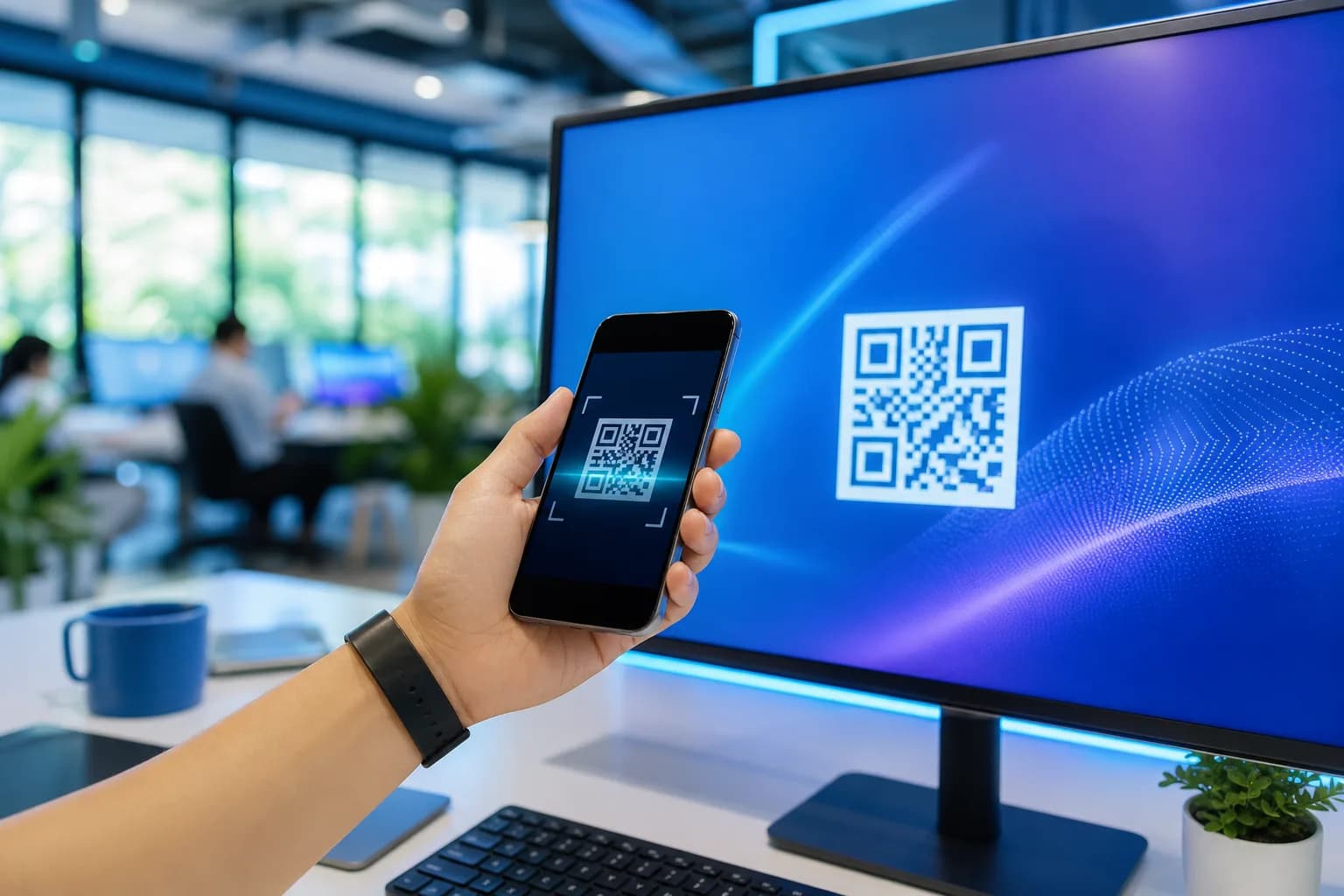
Phone verification is essential for apps, e-commerce sites, and fintechs in Vietnam and Southeast Asia, but SMS OTP often adds friction and cost. A QR code-based verification flow simplifies the process, especially on desktop. Users scan the code with their phone camera, call a hotline, and verify instantly—no typing, no SMS fees.
This method is particularly useful for desktop sign-up flows where SMS delivery can be unreliable or costly. It also avoids the dependency on OTT apps like WhatsApp or Zalo, which may not be installed on all devices. Here’s how to implement it effectively.
How Phone Verification QR Code Works
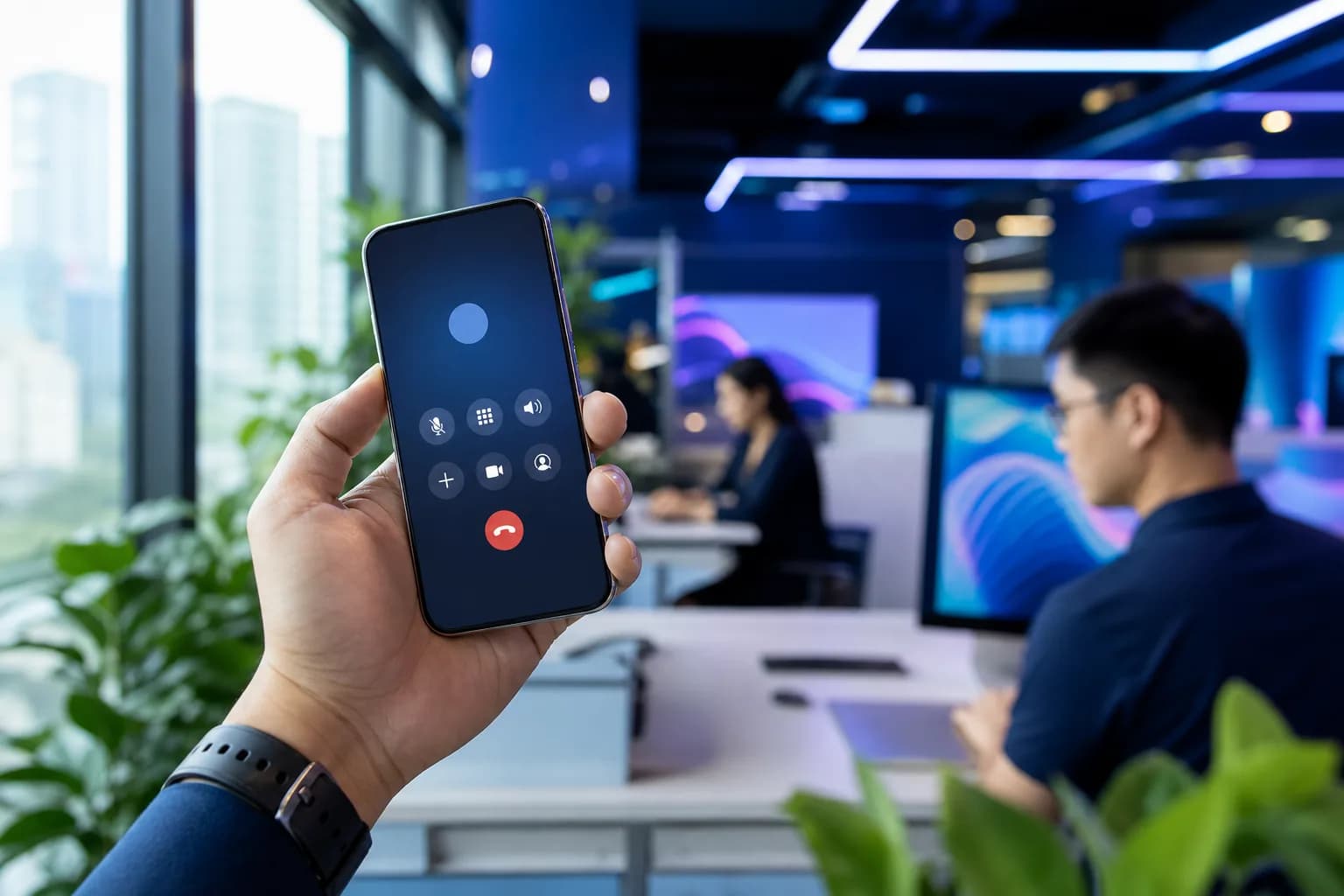
Phone verification with a QR code simplifies the process for desktop users. The system generates a tel: link containing the hotline number assigned to the verification session. This link is then encoded into a QR code, which is displayed on the desktop page. Users scan the QR code with their phone camera, which automatically opens the dialer with the hotline number pre-filled. They tap to call, and the system verifies their identity by matching the caller ID.
Once the call is initiated, the system recognizes the calling number and rejects the call before it connects. This ensures the user is not charged for the call. The verification result is sent back to the app via webhook or API, confirming the user's identity. This method is particularly useful in Southeast Asia, where QR code scanning is widely adopted.
For developers, implementing this flow is straightforward. Simply integrate the API to generate the hotline number and QR code, then handle the verification result. Learn more about the process in our phone verification by call guide.
Benefits of QR Code Verification for Desktop
QR code verification simplifies the desktop user experience by shifting the verification process to the user's phone. Instead of typing a phone number and waiting for an SMS, the user scans a QR code with their phone camera. This eliminates SMS fees and delivery delays, which can be particularly challenging in regions like Vietnam where SMS delivery rates may vary.

QR code verification works seamlessly across platforms. Whether the user is on iOS, Android, or web, the process remains consistent: scan the QR code, tap to call the hotline, and get verified. This cross-platform compatibility ensures a smooth experience for all users, regardless of their device.
For developers, QR code verification is easy to implement. It requires minimal integration effort and avoids the complexities of designing SMS templates or managing OTP delivery. By leveraging the user's phone camera and dialer, QR code verification reduces friction and speeds up the verification process, making it an efficient solution for apps and e-commerce platforms in Southeast Asia.
Implementing QR Code Verification
To integrate QR code verification for desktop sign-ups, start by calling the API to create a verification session. The API requires the user's phone number and returns a hotline number, which your page can render as a QR code. These can be generated dynamically for each session, ensuring security and traceability.
Display the QR code prominently on your desktop web page or app interface. Use standard QR code libraries to render it correctly. For apps in Vietnam and Southeast Asia, ensure the QR code is large enough for easy scanning on smartphones with varying screen sizes.
When the user scans the QR code with their phone, they are directed to dial the hotline. The system matches the caller ID, rejects the call before it connects, and sends the verification result to your backend. You can handle this result either via a webhook for real-time updates or by polling the API. For guidance on choosing between these methods, see our article on webhooks vs polling for verification results.
Once verified, proceed with the user's sign-up or login flow. Ensure your error-handling logic covers scenarios like incorrect phone numbers or failed verification attempts, providing clear instructions for retries.
User Experience Tips
To ensure smooth phone verification via QR code, keep the QR code large and clear. A minimum size of 300x300 pixels works well for easy scanning, even on smaller phone screens. Avoid placing it near visual clutter or using low-contrast colors that make scanning difficult.
Add a clear 'Scan Me' prompt above or below the QR code. In Vietnam, consider using both English and Vietnamese text to cater to local users. For example: 'Scan this QR code with your phone camera' / 'Quét mã QR bằng camera điện thoại của bạn.'
Handle expiry gracefully by displaying a countdown timer next to the QR code. When the code expires, automatically refresh it and show a clear message like 'QR code refreshed, please scan again.' This avoids user frustration and reduces support requests.
For a comprehensive guide on optimizing verification flows, see our phone verification UX checklist.
Phone Verification QR Code for Apps in Vietnam
For apps in Vietnam, phone verification via QR code avoids the delays and complexities of SMS sender ID approval. Businesses can start verifying users immediately without waiting for manual brandname approvals, which often take weeks in Southeast Asia.

This method also lowers costs compared to SMS OTP, as it eliminates SMS fees and avoids the need for voice minutes. By rejecting the call before it connects, users are not charged, making it a cost-effective solution for high-volume verification needs.
QR code verification is particularly well-suited for COD order verification, where confirming the buyer's phone number is crucial. It integrates seamlessly into desktop flows, allowing users to scan the code with their mobile device and complete verification in seconds.
Additionally, QR code verification helps prevent promo abuse by ensuring each phone number is verified before accessing discounts or rewards. This is especially valuable for e-commerce platforms and fintech apps in Vietnam, where promotional campaigns are common.
Comparison: QR Code vs SMS OTP
When choosing a phone verification method for desktop users, QR code verification and SMS OTP each have distinct trade-offs in cost, delivery reliability, and user friction.
| Factor | QR Code Verification | SMS OTP |
|---|---|---|
| Cost | No SMS fees; caller pays nothing as the call is rejected before connecting. | Costs include SMS fees and carrier surcharges, which can vary by region. |
| Delivery Reliability | No reliance on SMS delivery, which can fail due to carrier issues or spam filters. | Subject to SMS delivery delays, especially for international numbers. |
| User Friction | Requires scanning a QR code with a smartphone; no need to type a code. | User must manually enter a code received via SMS, adding steps and potential errors. |
QR code verification eliminates SMS-related costs and delivery risks, making it a practical alternative for apps in Vietnam and Southeast Asia, where SMS delivery can be inconsistent. However, it requires users to have a smartphone with a camera, which may not suit all audiences. SMS OTP remains widely familiar but introduces higher costs and potential delays. For developers seeking a balance of cost efficiency and reliability, QR code verification offers a compelling option, especially when paired with clear user instructions.
Security Considerations
Phone verification via QR code offers several security advantages over traditional methods like SMS OTP. First, it provides built-in protection against SMS pumping fraud, where attackers flood the API with fake requests to generate charges. Since verification relies on an inbound call, businesses are charged only when a real user initiates a call, making it resistant to bot-driven exploitation.
Second, QR code verification eliminates the risk of SIM swap attacks, which can compromise SMS-based methods. By relying on the caller ID of the inbound call, the system bypasses SMS entirely, reducing the attack surface.
Third, caller ID spoofing is mitigated because the verification process requires the user to call from the exact phone number being verified. While spoofing is technically possible, the practical steps involved make it less viable for most attackers.
For apps in Vietnam and Southeast Asia, where SMS delivery issues and fraud are common, QR code verification provides a robust alternative. However, like any security measure, it should be part of a layered defence strategy, combining multiple verification methods for optimal protection.
Simplify your desktop sign-up flows with phone verification via QR code. It’s cost-effective, reliable, and user-friendly. Try it today with a free trial at CallOTP.
Frequently asked questions
How long does the QR code stay valid?+
Typically, the QR code expires after a few minutes to ensure security.
Can this method work on low-end phones?+
Yes, it works on any phone with a camera and calling capability.
What if the user doesn’t have a QR scanner?+
Most modern smartphones have built-in QR scanners in their camera apps.
Is this method secure against fraud?+
Yes, it protects against SMS pumping and has no SIM swap risk.
How do I handle dual SIM users?+
The system verifies the number from which the call is made, regardless of SIM.
- #phone verification
- #qr code
- #desktop sign-up
- #user experience
- #vietnam apps
Ready to verify phone numbers with one call?
Start free trial