How to Add Phone Verification to Your App with Call-Based OTP
A step-by-step guide to implementing call-based phone verification in your app's sign-up flow, avoiding SMS costs and OTT app dependency.

Adding phone verification to your app is essential for security and fraud prevention, but SMS OTP costs and delivery issues can hurt conversion. In Vietnam and Southeast Asia, where SMS fees are high and WhatsApp/Zalo OTP depends on third-party apps, verification by inbound call offers a simpler path.
With call-based verification, users tap to call a hotline instead of waiting for an SMS. The system checks the caller ID, hangs up before the call connects (so no charge), and confirms the number. No codes to type, no carrier fees, and no need for users to install OTT apps.
How Call-Based Verification Works in Your Sign-Up Flow
When a user enters their phone number in your app, call-based verification happens in 4 steps:
- Your backend requests verification: Call the CallOTP API with the user's phone number. The API returns a hotline number (typically a local number in Vietnam or Southeast Asia).
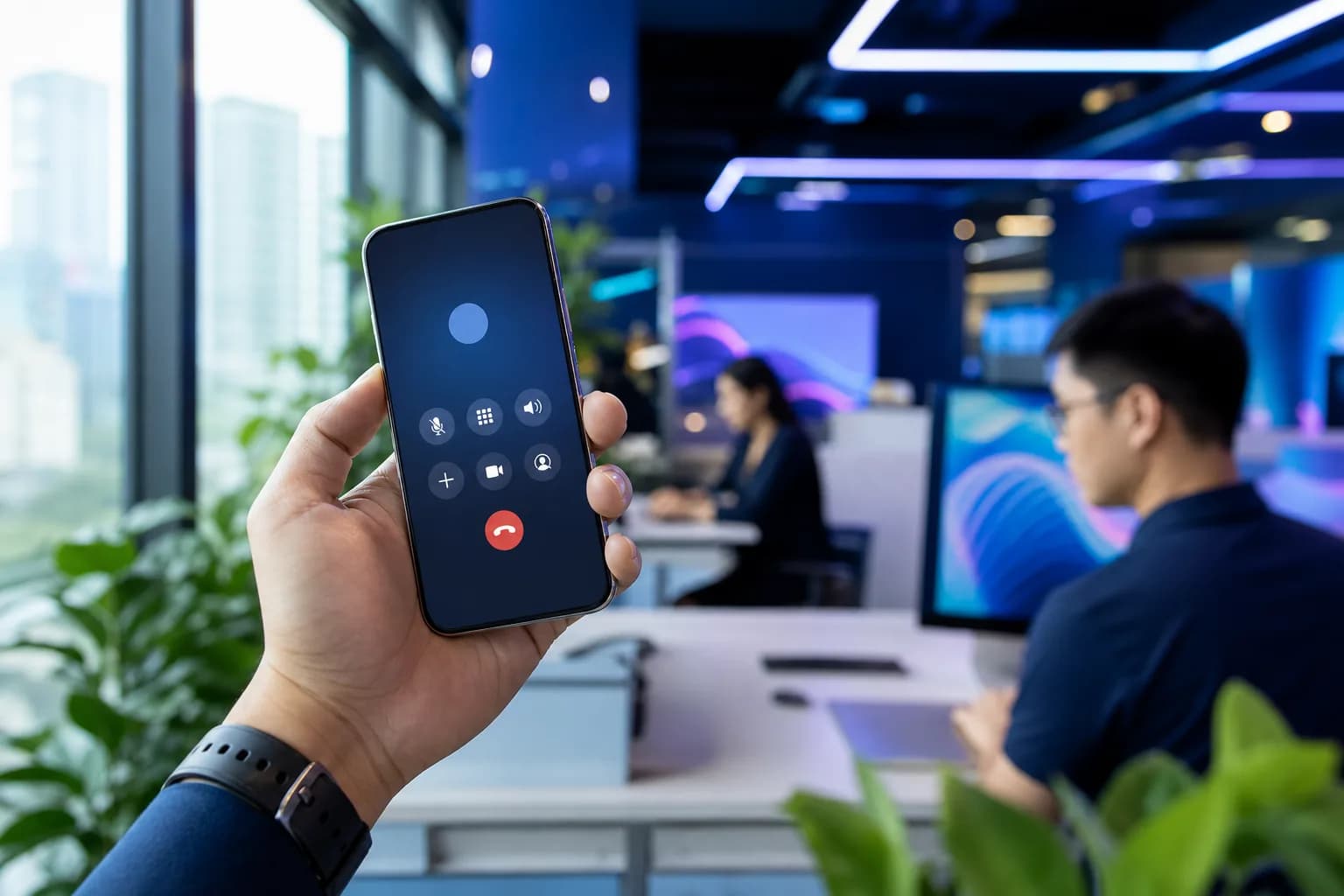
- User initiates the call: Your app displays the hotline number with a tap-to-call button. The user taps it to call from the device being verified.
- System verifies caller ID: CallOTP's infrastructure matches the incoming call's number against your verification request. The call is rejected before connecting, so the user pays nothing.
- Your app receives the result: Within seconds, CallOTP sends the verification status (verified/unverified) to your backend via webhook or API response.
Unlike SMS OTP, this flow requires no code entry, works without internet, and avoids carrier delivery issues common with SMS in Vietnam. For apps, the process is seamless: users see one "Call to verify" prompt, and your backend handles the rest.
Key technical notes:
- No call connects, so carriers charge nothing (rejected at the network level)
- Webhook payloads include the original request ID and timestamp
- Works with all Vietnamese mobile networks and most international numbers
Integrating the Call Verification API
To add call-based phone verification, follow these steps in your sign-up or checkout flow:

- Create a verification request: Call the API with the user's phone number (E.164 format, e.g., +84… for Vietnam). The API returns a hotline number.
- Prompt the user to call: Display the hotline number with a clear call button (e.g., "Tap to verify"). No codes to type—they simply call from the phone being verified.
- Detect verification:
- Preferred: Listen for the webhook (HTTP POST) with the verification result (verified number or failure reason).
- Alternative: Poll the status endpoint if your stack can't handle webhooks.
- Handle the result:
- On success: Proceed with sign-up, login, or checkout.
- On expiry (typically 3–5 minutes): Offer to retry or switch methods.
Optional fallback: For users who can't call (e.g., no cellular signal), add a step to retry with SMS OTP or another method. In Vietnam, some apps combine call verification with Zalo OTP as a backup.
Key integration notes:
- No SDK needed—works with standard HTTP requests.
- Reject the call immediately to prevent charges (handled by the API).
- Test with local Vietnamese numbers (+84) and regional formats for Southeast Asia.
Call Verification for Apps in Vietnam: Key Benefits
Call-based verification solves specific challenges faced by apps in Vietnam where SMS costs are high, and sender ID regulations complicate delivery. Unlike SMS OTP, our method uses an inbound call to verify numbers—no carrier fees, no sender ID approvals needed.
Three advantages stand out for Vietnamese apps:
- No dependency on messaging apps: While WhatsApp OTP or Zalo works for many users, it excludes those without these apps installed or with connectivity issues. Call verification reaches any mobile phone.
- Better performance on low-end devices: Older Android phones often delay or drop SMS, especially with weak signals. A one-tap call is more reliable and faster.
- Reduces promotion abuse: E-commerce and fintech apps can throttle fake accounts by verifying that each number is active and unique—without SMS pumping fraud.
For delivery and COD apps, call verification simplifies the process: drivers confirm orders by tapping a hotline, avoiding SMS delays or misentered codes. The system works across all carriers and regions in Vietnam, making it ideal for nationwide services.
Southeast Asian markets share similar SMS pain points, but Vietnam’s combination of high SMS costs and patchy OTT app coverage makes call-based verification particularly effective here.
User Experience Best Practices
A smooth verification flow keeps users moving through sign-up. Follow these steps to optimize call-based verification in your app:

- Clear instructions: Show "Call this number to verify" with the hotline number prominently displayed. For apps in Vietnam, use Vietnamese text for local users (e.g., "Gọi số này để xác minh").
- One-tap calling: Make the hotline number a visual call button—most users expect to tap, not dial manually. Auto-populate the dialer when tapped.
- Countdown timer: Display a verification window (typically 2–3 minutes) so users know how long they have to call. Reset the timer if they miss it.
- Real-time status: Show feedback like "Calling...", "Verifying...", and "Success/Failed" so users aren't left guessing. For failures, explain why (e.g., "Call not detected—try again").
- Error handling: If the call is missed or the wrong number is detected, offer a "Retry" button immediately. Suggest checking cellular reception for repeated failures.
For Southeast Asian users, ensure compatibility with local carriers and test on common devices. Avoid SMS fallback prompts—they create confusion if users expect only a call. See our detailed UX checklist for more optimizations.
Security and Fraud Prevention
Call-based verification strengthens security by relying on caller ID verification instead of shared codes. Unlike SMS OTP, there’s no code to intercept, reducing risks from phishing or SMS pumping fraud. The call must originate from the SIM card linked to the phone number, making it harder for attackers to bypass verification using virtual numbers or SIM swaps.
SIM swap detection is built into the process. Since the call must come from the SIM, attackers who hijack a number through SIM swaps cannot complete verification without physical access to the device. This adds a layer of protection against account takeovers, especially for apps in Vietnam where SIM swap fraud is a concern.
Rate limiting and suspicious pattern detection further enhance security. The system monitors for unusual activity, such as repeated verification attempts from the same number or IP address, and flags potential fraud. This helps prevent automated attacks while maintaining a smooth user experience.
For stronger security, combine call verification with other checks. Layer it with IP address analysis, device fingerprinting, or behavioral biometrics to detect anomalies. While no method is foolproof, combining multiple defenses reduces the risk of fraud and ensures a robust verification process for apps in Southeast Asia.
Call Verification vs. SMS OTP and WhatsApp OTP
Choosing a phone verification method involves trade-offs between cost, reliability, and user experience. Here’s how call-based verification compares to SMS and WhatsApp OTP in Vietnam and Southeast Asia:
| Factor | Call Verification | SMS OTP | WhatsApp/Zalo OTP |
|---|---|---|---|
| Cost | No per-message fees; pricing scales with call volume | Per-message fees, often higher for cross-carrier SMS | Free for users, but may require business API fees |
| Delivery | No carrier filtering; works on all mobile networks | Delays or failures common with certain carriers | Requires app installation and internet |
| User Effort | Tap to call (no code entry) | Wait for SMS, type code | Wait for in-app message, type code |
Cost: Call verification avoids per-message fees common with SMS OTP, where costs add up with retries or international SMS. WhatsApp and Zalo OTP are free for users but may require business verification or API access.
Delivery: Unlike SMS, call verification isn’t blocked by carrier filters—critical for apps in Vietnam where SMS delivery can be inconsistent. WhatsApp OTP requires users to have the app installed and an internet connection.
User effort: With call verification, users tap to call and are done—no waiting for messages or typing codes. SMS and WhatsApp OTP add steps, especially problematic for older users or those with limited data.
Fallback strategies: For users who can’t complete call verification (e.g., in areas with poor signal), consider offering SMS or WhatsApp OTP as a backup. Layer methods based on user segments or risk levels.
Ready to add phone verification without SMS costs? CallOTP's inbound call verification works across Vietnam and Southeast Asia, with no codes to type and no carrier fees. Start with a free trial to test integration in your app's sign-up or login flow.
Frequently asked questions
How much does call verification cost compared to SMS OTP?+
Call verification typically costs less than SMS in markets like Vietnam, where carrier fees are high. Pricing depends on call duration (rejected calls incur minimal charges) rather than per-message SMS rates.
What if the user doesn't answer or calls from a different phone?+
The system only verifies if the call comes from the registered number. Failed attempts can trigger a retry or fallback to another method like SMS.
Can caller ID spoofing bypass call verification?+
Caller ID spoofing is harder than SMS interception in practice, but apps should combine verification with other signals (IP, device) for high-risk transactions.
How long does the verification call take?+
The call is rejected instantly upon recognition, so users hear only a ring or busy signal—typically 1-3 seconds total.
Is call verification supported for all Vietnamese mobile networks?+
Yes, it works across all major carriers (Viettel, Vinaphone, Mobifone) since it uses standard voice calling, not SMS or data.
- #phone verification
- #otp vietnam
- #signup flow
- #sms alternative
- #developer guide
Ready to verify phone numbers with one call?
Start free trial